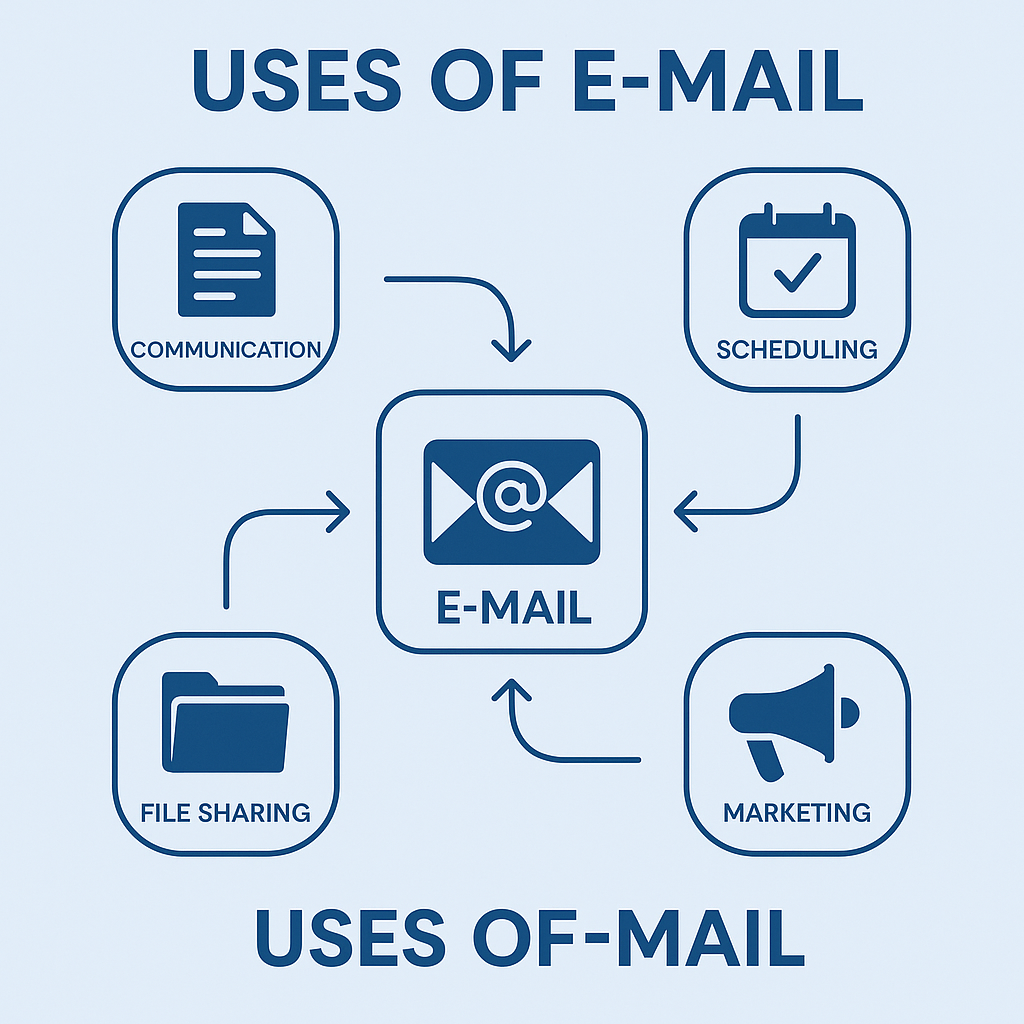
E-mail (Electronic mail) is a method of sending and recieving
messages through the internet.
You can send:
- Text
- Images
- Files
- Documents
- Videos
- Links
Example: Gmail, Outlook, Yahoo Mail

E-mail (Electronic mail) is a method of sending and recieving
messages through the internet.
You can send:
Example: Gmail, Outlook, Yahoo Mail
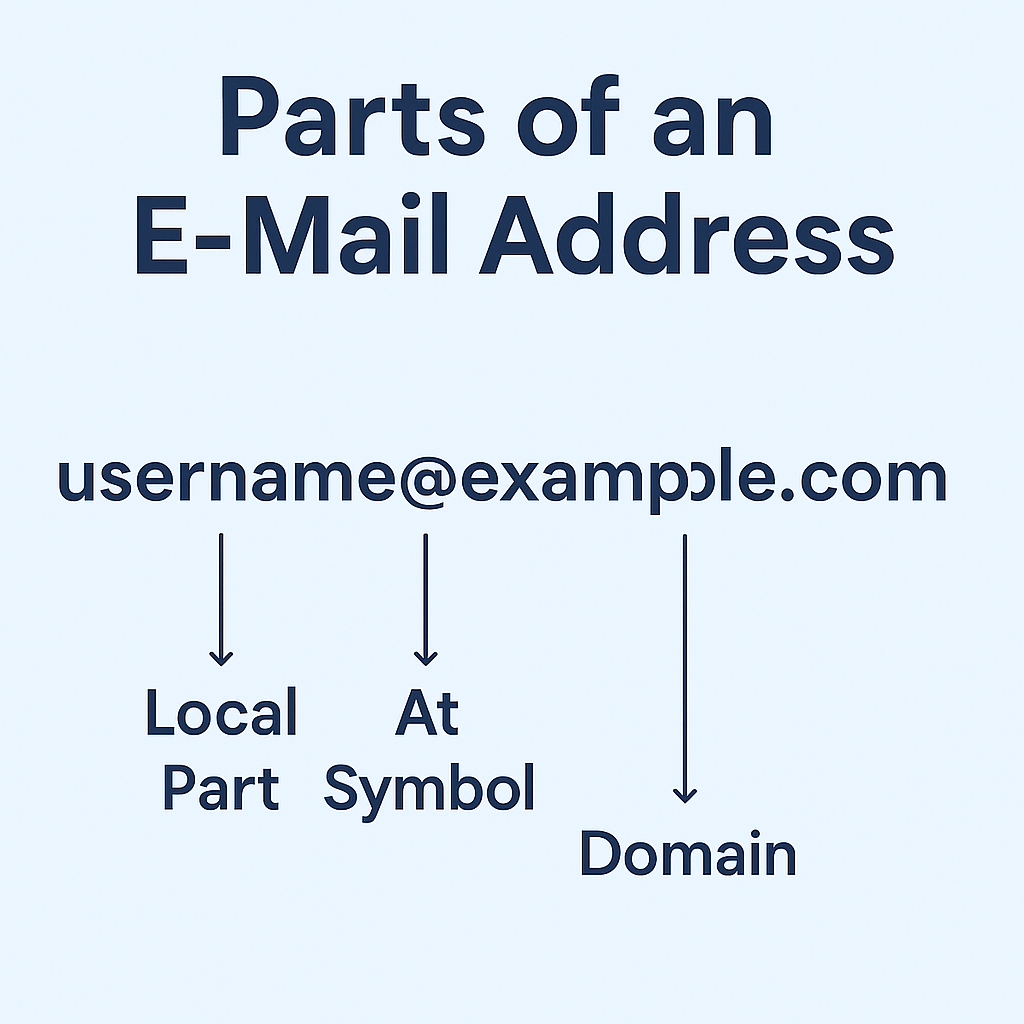
Example: xxx123@gmail.com
Breakdown:
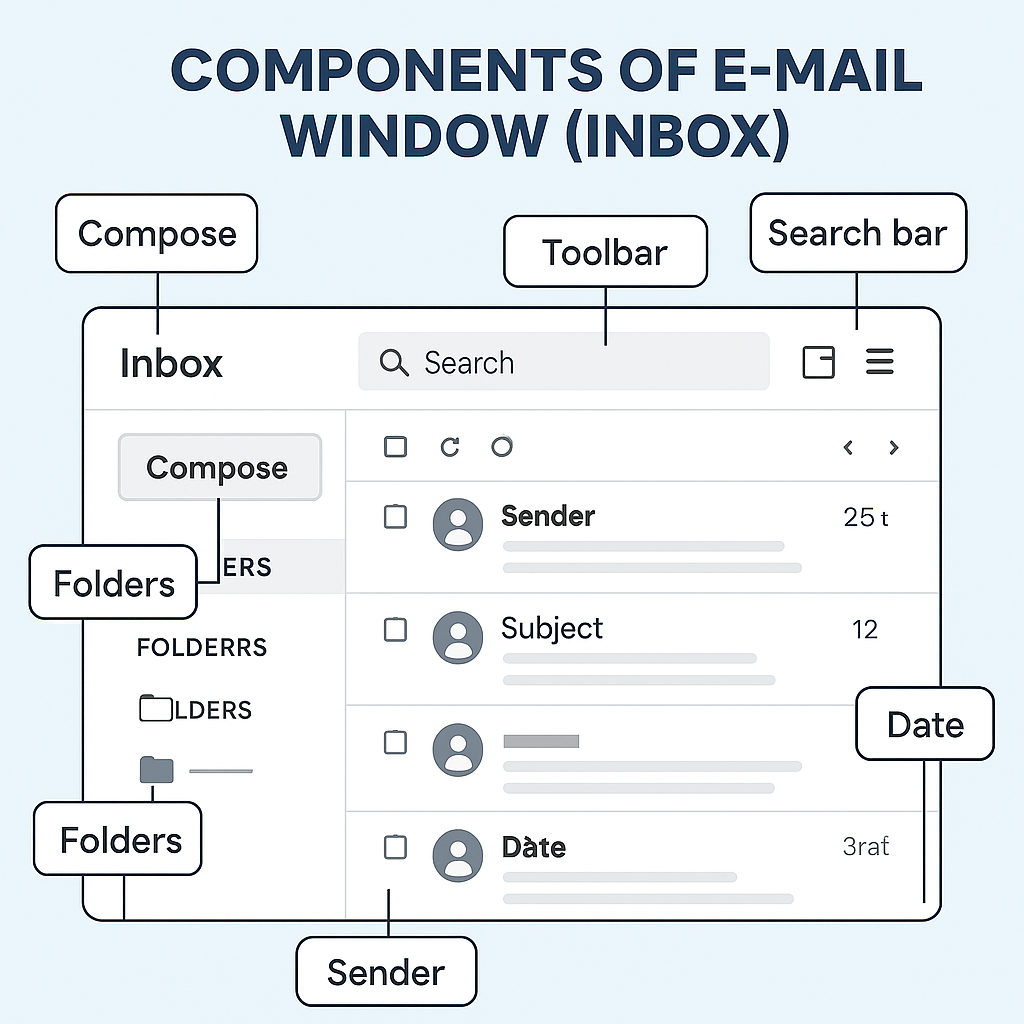
✓ Inbox
Where recieved emails appear.

✓ Sent Mail
Emails that you have sent.

✓ Drafts
Emails saved but not yet sent.

✓ Trash/Bin
Deleted emails.

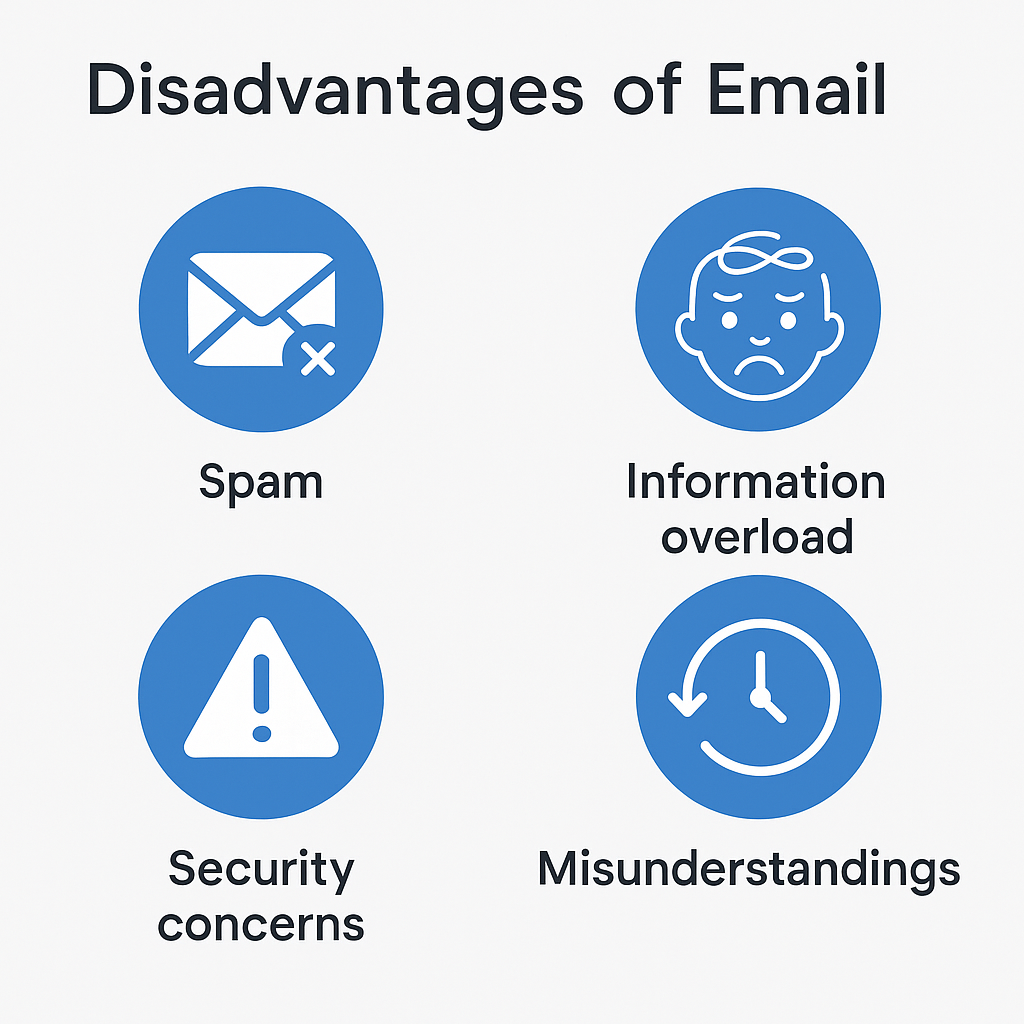
✓ Spam
Unwanted or dangerous emails.
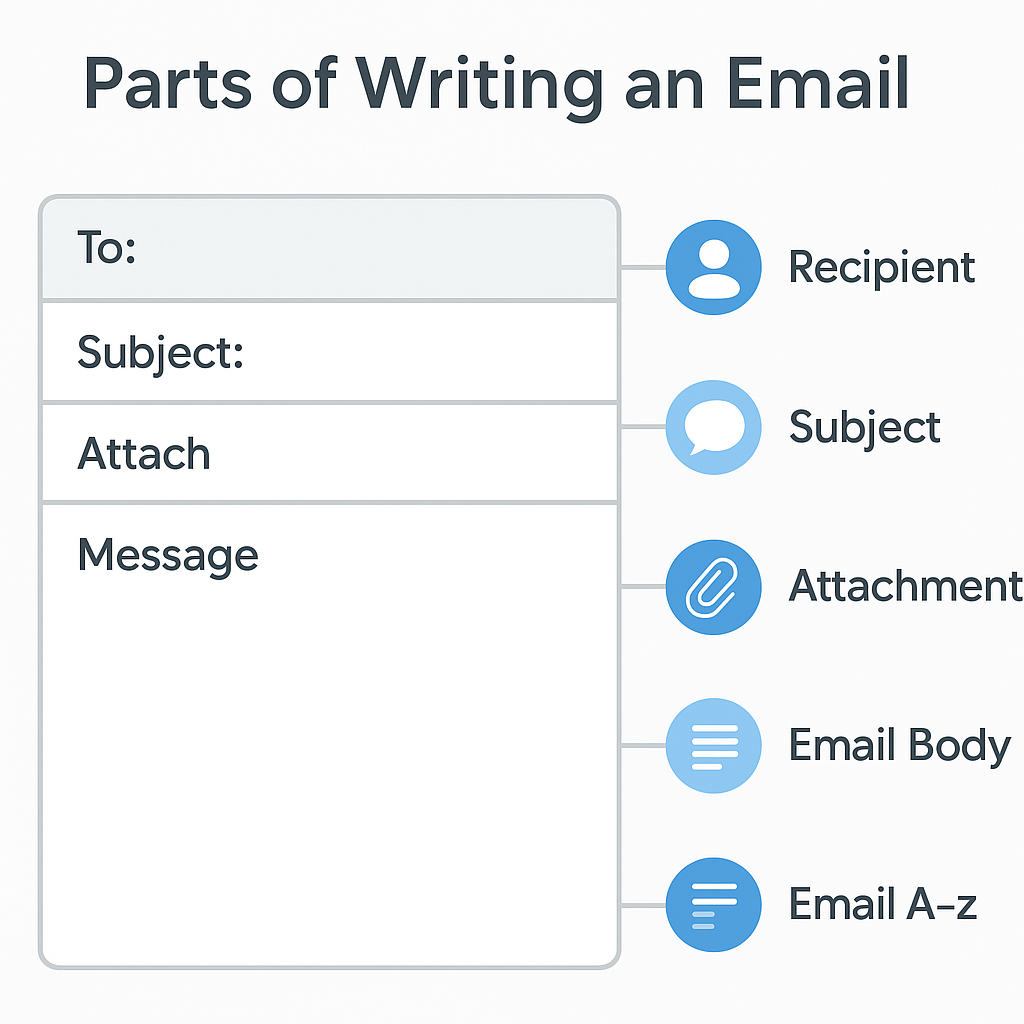
When composing an email you will see:

✓1. To
Email of the person you are sending to.

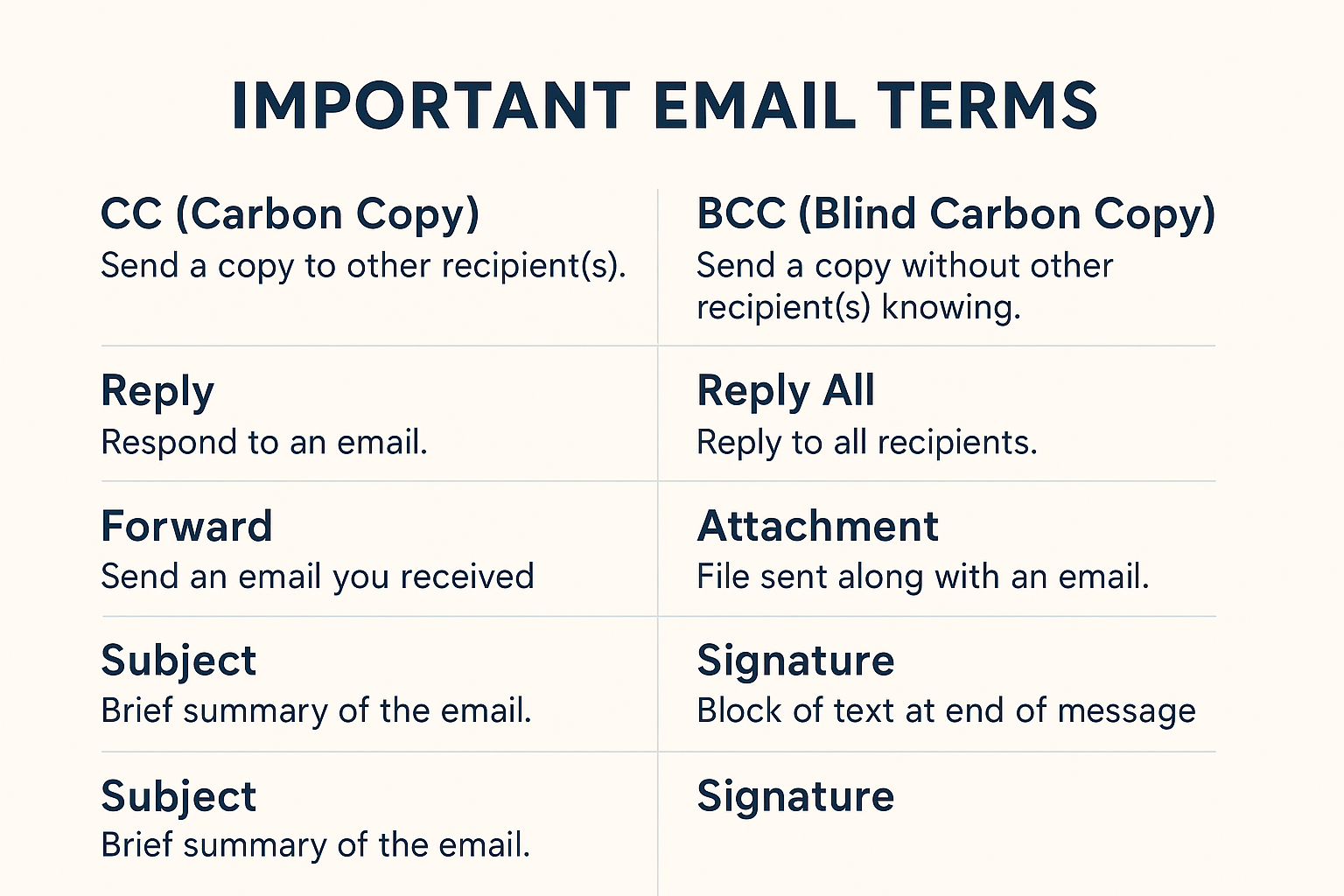
✓2. Cc (Carbon Copy)
To send the same email to additional people.

✓3. Bcc (Blind Carbon Copy)
Same as Cc, but hidden from others.

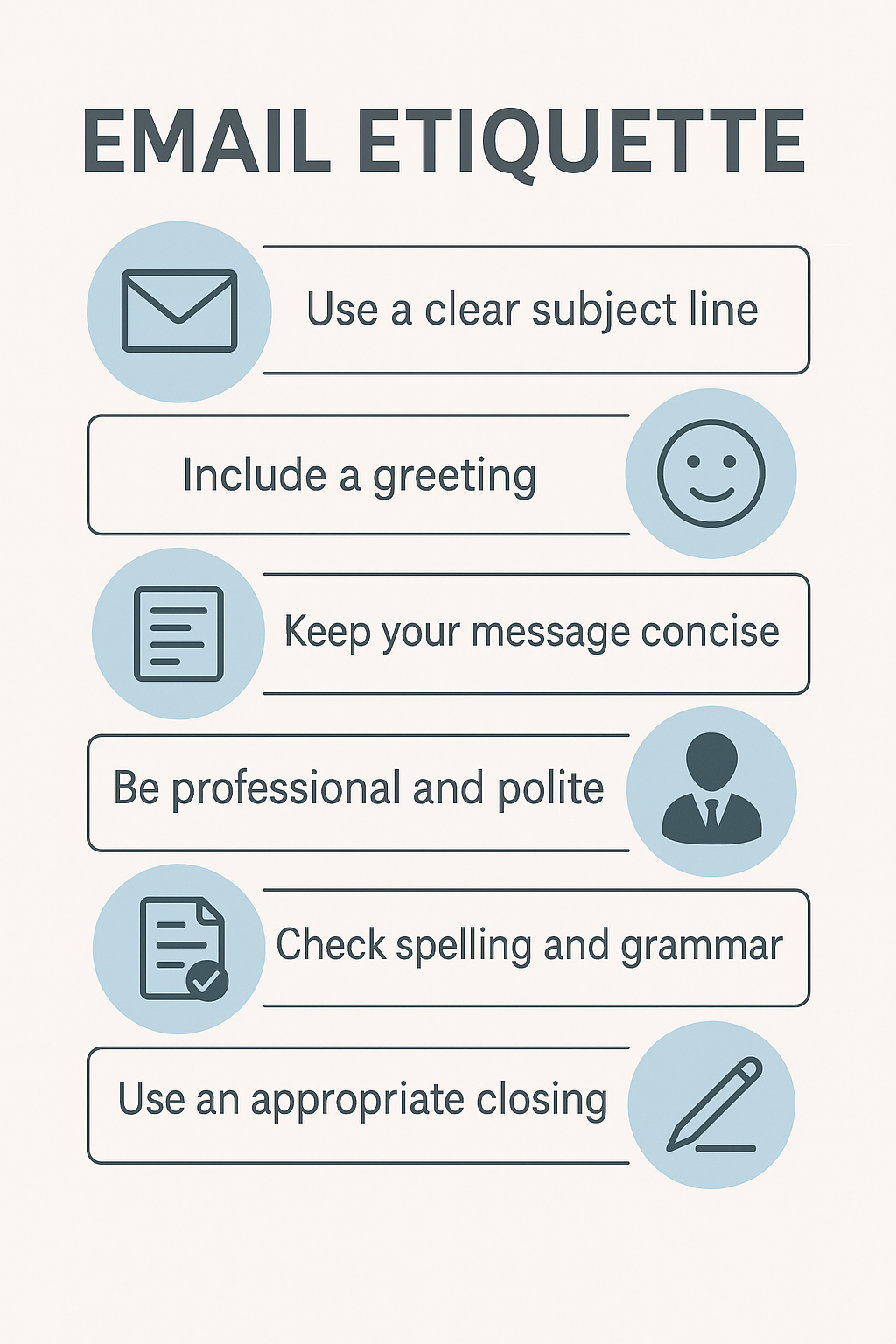
✓4. Subject
Short topic of the email.
Example: "Leave application for 2 Days"

✓5. Body
The main message.

✓6. Attachment
To upload files - PDF,DOCX,images,etc.
✓ Attachment
Files that you send with an email.

✓Signature
Your name/contact automatically added at bottom.

✓ Mailbox
Email storage area.

✓ Thread
A chain of emails on same topic.

✓ Phishing
Fake emails used to steal information.
✓ Full form of E-mail? → Electronic Mail
✓ Gmail is an example of? → Web-based email service
✓ To send hidden copy → BCC
✓ To send same mail to many → CC
✓ Inbox contains? → Received emails
✓ Attachment icon looks like? → Paperclip
✓ Spam folder is for? → Unwanted emails
✓ Where do deleted mails go? → Trash/Bin
✓ What is needed to create email? → Internet connection